

Friday, 28 November 2014
DAY 36
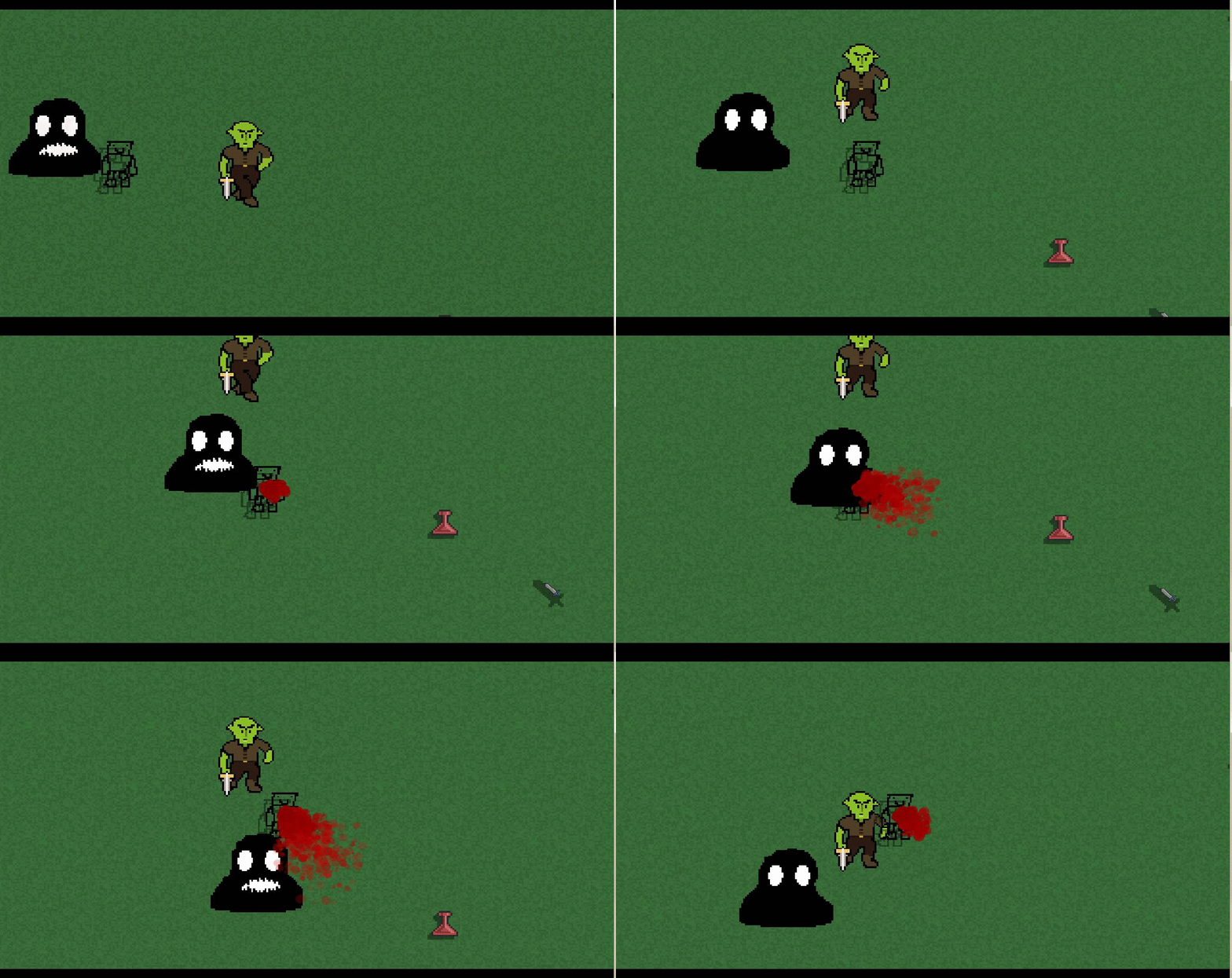
Today I messed around trying to make a player sprite that made it look like it was walking, this ended up failing because I forgot how to use a sprite sheet. For some reason when I sent Ty my road tile sheet, all he did was make it bigger and it looks way better on his computer. Anyways, I found a really useful script I made a while ago that can be implemented into the game in many ways. This script draws a shadow to whichever object you apply it to which is really useful.

Thursday, 27 November 2014
DAY 35
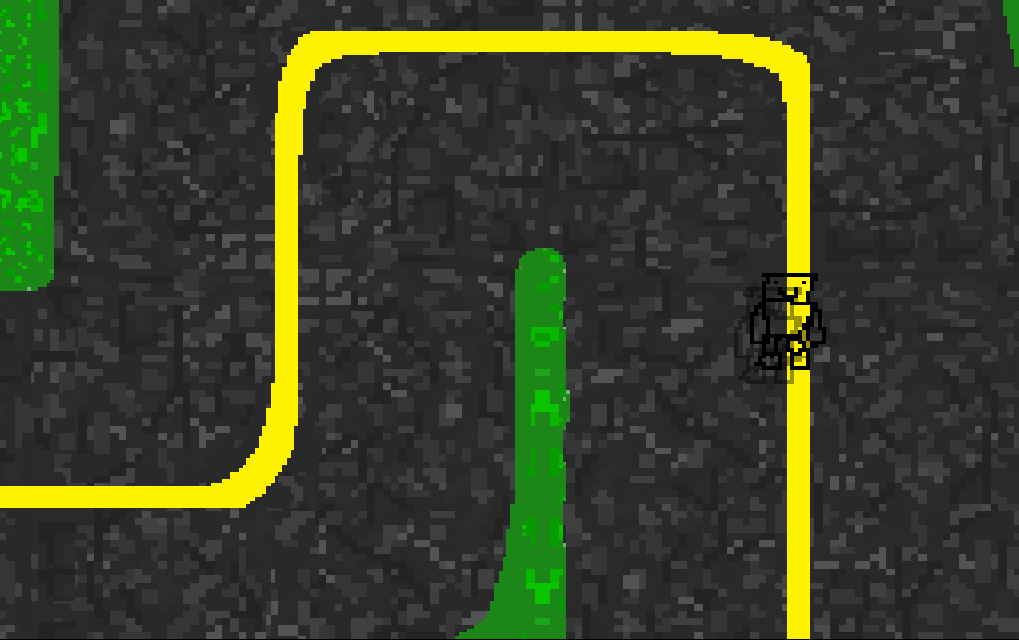
Today I worked on touching up the road path tiles to make it look better. I made it blend with the normal size grass and made the corners a bit smoother, and it looks a lot better now. Then I found that the carpet tile doesn't match up with the wood plank tiles so I had to re-size that and make it blend. I tried to make my main menu look better but I don't know what to put on it. I could use Ty's trees but I'd have to make it move with the grass.
Wednesday, 26 November 2014
DAY 34
Today I began making a line on the road that is proportionate to the road and centered. It wasn't hard to do so after that I added a grass siding to it so it properly blends with the grass. After I did that I worked on the turns/corners of the road path. I made it all line up and it is almost done just needs a few more touch ups. I also went to my old laptop and transferred the sprite images because for some reason it didn't work before.
Tuesday, 25 November 2014
DAY 33
Today I worked on creating a carpet carrying on from yesterday. I added a few more things to the carpet and made it look more carpety, then made it smaller so I then could copy and paste it over a few wood plank tiles so that the carpet could blend with the wood planks in a room. Ty requested a road tile so I began on that. I tried to make it look like it was old cracked asphalt because we might be adding the post-apocalypse aspect to the game. I didn't end up finishing the tile, though here is what I left off with:

Monday, 24 November 2014
DAY 32
Today I noticed that most of the things I moved into my dropbox folder, did not export at all. There were only a few random files that actually copied. Also, I copied the skype and steam exe's to the folder so I wouldn't have to install them on this computer. After all that, there were still all the tiles and sprites that didn't go through, so I will have to try next class. I started on a carpet tilesheet to go inside a house. I'm still not completely sure if it's going to have the post-apocalypse aspect to it yet, so I might have to make it dirty or old if it is added. No screenshots today due to Gyazo not being installed yet.
Friday, 21 November 2014
DAY 31
Today I am writing this on a brand new desktop computer instead of the laptop as I got upgraded. The class was all spent on setting this all up and getting everything backed up from my old computer to this new one. This computer runs on the Windows 10 Demo Beta thingy or whatever, and it is basically a mix between Windows 7, and 8, more so of Windows 7. One problem I have on this is that whenever I go to install a program to the hard drive, It asks for the administrator name and password.

Wednesday, 19 November 2014
DAY 30
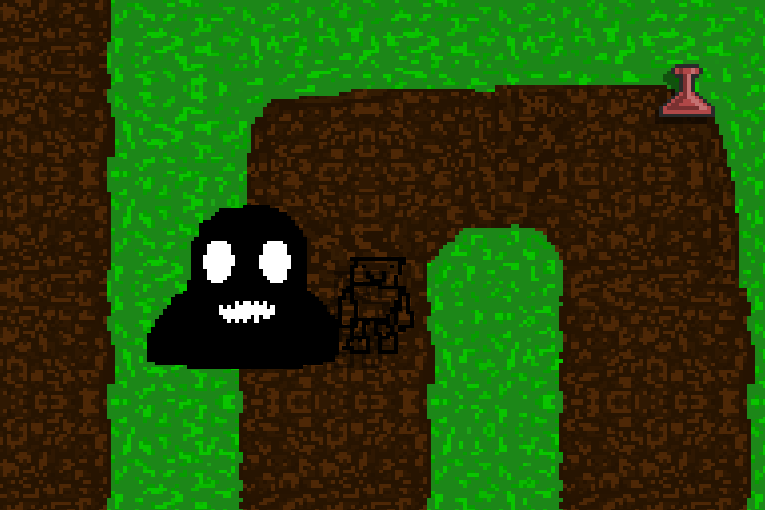
So today I had to line up all of the grass/dirt pathway tiles so that we can use the pathways either way and going in any direction. I used Ty's tile template thing, and put all of the corner tiles and the straight path tile in one paint project. As I edited the corners to match each other, I had to make sure it still lined up with the straight path. To do that I just dragged the straight path beside the corner tiles and edited the corners pixel by pixel to make it look right. This required quite a bit of precision and was tedious due to having to drag select the paths and making it exact each time.
Tuesday, 18 November 2014
DAY 29
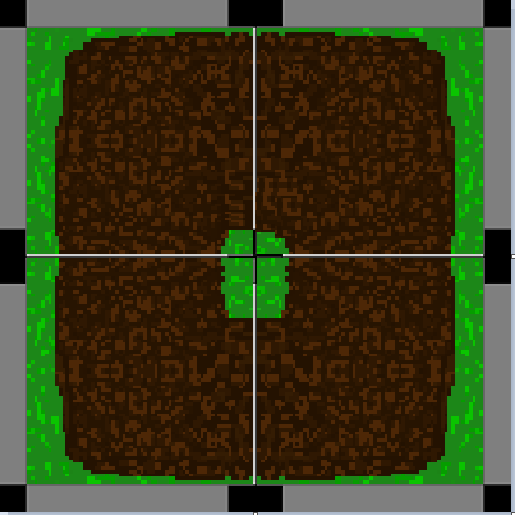
Today I was told that the dirt path tiles did not line up with the normal paths at all, so instead of working on the sand, I was using Ty's tile template thing he made for me to line it all up. I used it and lined all the corners up, which took me quite a while, and then realized I have to also line each of the straight paths with them also, Yay.
Monday, 17 November 2014
DAY 28
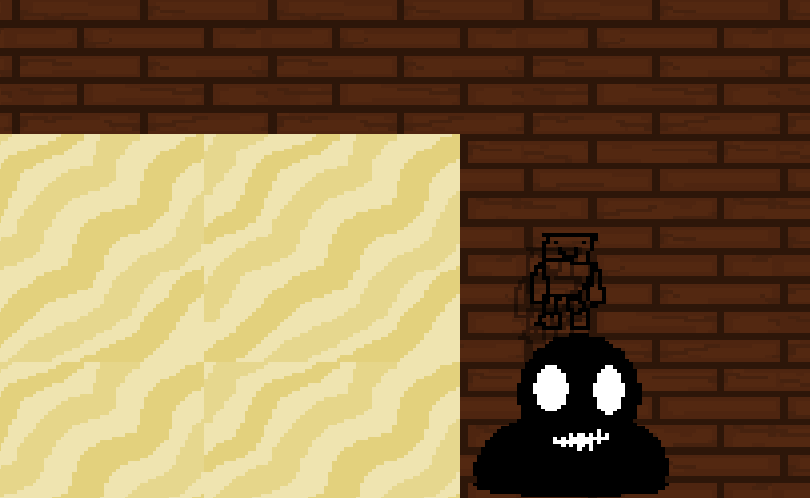
Today I wasn't completely sure what I was going to do but I made some simple wood plank tiles which make it look pretty cool, like if you were in a house and the wood planks were the floor, though they do sort of look like red bricks in a way. I also decided to try and create some sand tiles which obviously, from the picture below, didn't turn out as well as the others.
Friday, 14 November 2014
DAY 27
Today I worked on lining up the tiles for the paths to be able to connect with one another. This will also allow for more precise editing to the terrain within the levels of the game, and also created a tile sheet for it. I also created a pretty good, atleast I think it is, wood plank tile.

Thursday, 13 November 2014
DAY 26
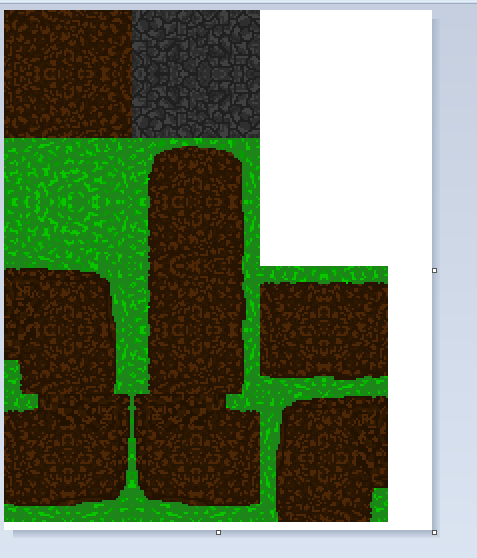
Today I began to work on some more tiles such as turns, horizontal lines, and such. I started on creating a tile sheet which will make it easier to put the tiles in the room. Again with me drawing tiles the whole class, theres not much to blog about. There is an example below.
Wednesday, 12 November 2014
DAY 25
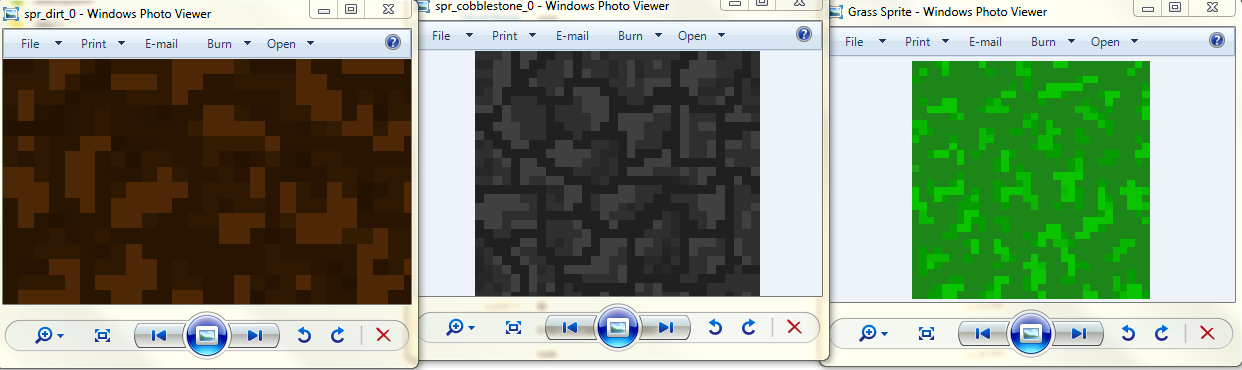
Today I started on creating some tile sprites such as grass, dirt, dirt pathways, and sand. That is pretty much all I did so there isn't much to write about but I have pictures of the tiles below. I will be working on all of the tiles in the game now because I started it in my own style.
Thursday, 6 November 2014
DAY 24
Today I started off by asking Ty for the code for the NPC dialogue as mine was still not working and causing fatal errors. I copied his code to find out it was almost identical to mine, with a few little changes. I tried his out, and got multiple errors which I fixed, except one. I thought it might be because of my old version of game maker studio, so I updated it and tried it again, it didn't work. So I figured maybe the steam version is different, and it still didn't work. So I asked Ty and he forgot to give me a room creation code which fixed the fatal errors, but the text still didn't show up.
Wednesday, 5 November 2014
DAY 23
Today I searched through the internet to find videos on how to talk with NPC's in game maker studio. I found a few videos and tried one but found out that it didn't really work. The text wasn't showing up for some reason, but there were no errors. I think it was a problem with the view in which it is being told to display. Ty came up with some goals to be completed for the month of November which can also be found on his blog, and they are as follows:
NPC's and the ability to interact with them
Keeping enemies from walking through solid objects
Level design entities such as grass, walkways, etc.
Tuesday, 4 November 2014
DAY 22
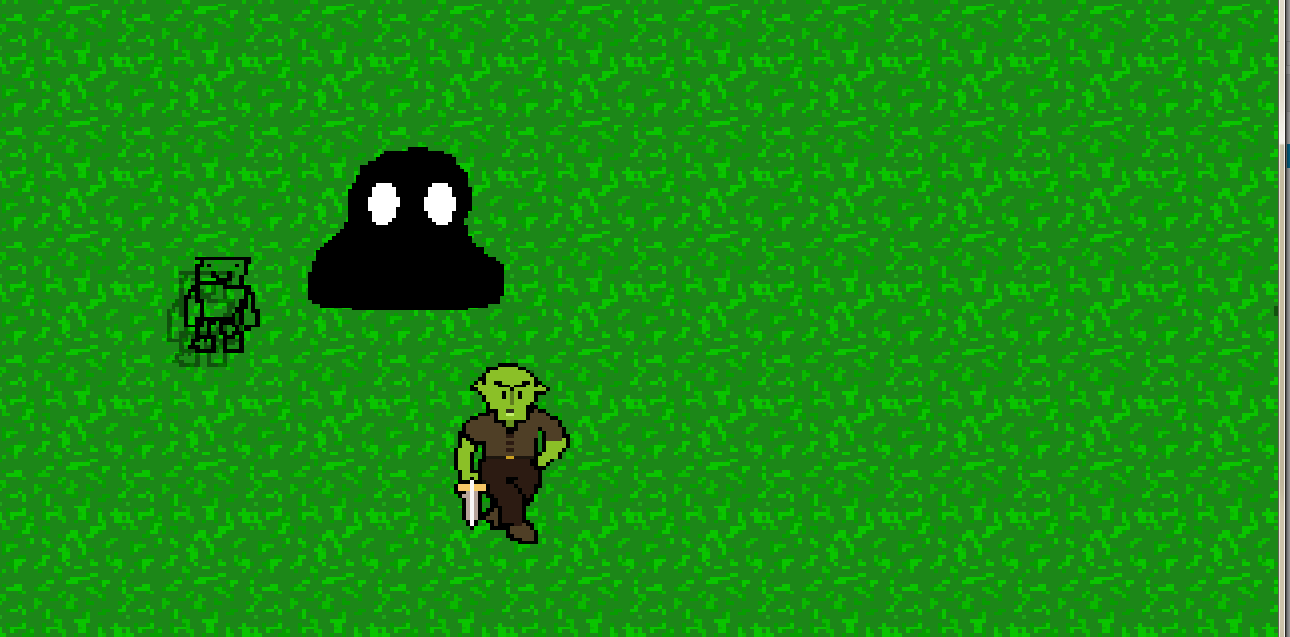
Today I started working on a general grass sprite which Ty asked me to do. I googled "grass sprite" to get a look at how grass looks. I found a picture and put it on my second monitor while I sort of used it as a reference, and also used the colour palette that Ty gave me earlier. I scrapped multiple sprites but finally ended up with something that looks like grass.
Monday, 3 November 2014
DAY 21
Today I created a very basic player sprite because why not. It looks extremely professional and took me like 2 minutes. I also decided to go back to my top down zombie shooter from last year, and use the blood particle effect for when enemies touch the player. It looks like a bit too much blood so I might need to adjust some things but other than that it worked out good.
Subscribe to:
Comments (Atom)